
Introduction
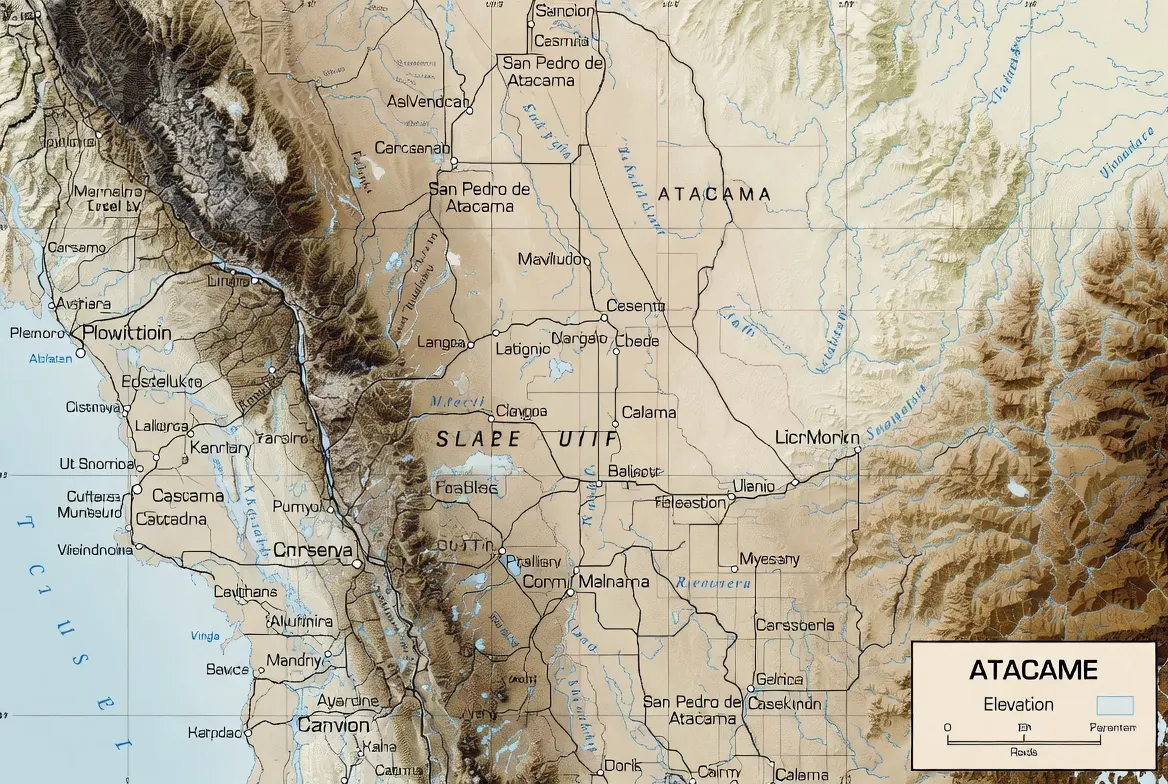
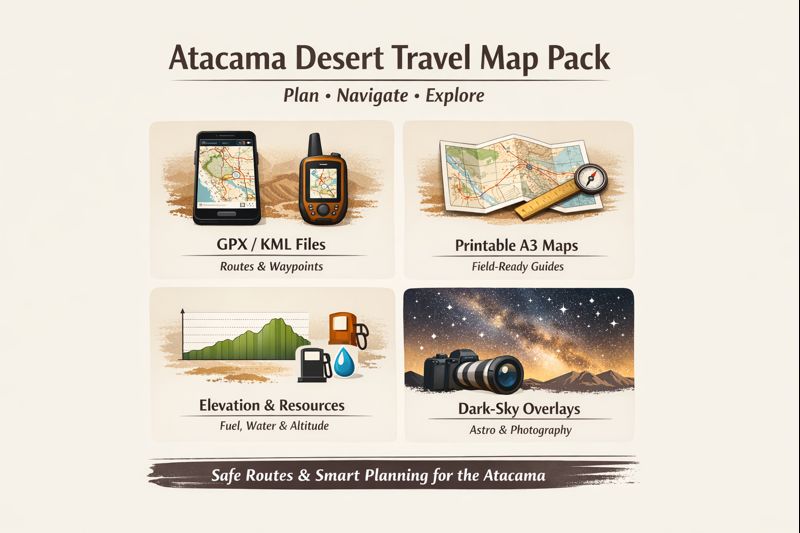
This Atacama Desert Map Pack is built for photographers, overlanders, and independent travelers who need reliable data in the field. It combines an interactive map, downloadable GPX/KML/GeoJSON routes, printable A3/A4 navigation PDFs, elevation profiles, conservative drive times, fuel and water planning, dark-sky overlays, and vetted emergency waypoints—so you can plan confidently, travel safely, and shoot without guesswork.
- How the Atacama is different — and why maps must be special
- Map layers — what’s included and why each matters
- How to use the Map Pack — step-by-step
- smartphone users
- Garmin users
- desktop / QGIS users
- Typical routes, distances, and conservative drive times
- Safety, survival, and emergency planning
- Altitude & acclimatisation — map features that protect you
- Stargazing & astrophotography tools
- Practical planning: fuel, water, permits, vehicles & phone coverage
- Fuel & water
- Permits & fees
- Roads & vehicles
- Phone coverage
- Photography tips tied to the map
- This pack is built to help you make reliable, repeatable photos:
- Example workflow — El Tatio sunrise shoot:
- Conservation, culture & responsible travel — map as stewardship
- FAQs
- Conclusion
How the Atacama is different — and why maps must be special
Three interlocking realities make the Atacama unique for navigation and planning:
1. Rapid altitude changes and acclimatisation risk. A seemingly short route may climb from 2,400 m up to 4,200–5,000 m over a single day; oxygen, vehicle performance, and human tolerance all change fast. Use the elevation overlays and per-segment ascent rates to plan rest days and departure times. ALMA’s placement at about 5,000 m underscores the extreme elevation you can encounter.
2. Surface type determines speed and safety. Salt flats, gravel washboard, crusted salar edges, and rutted 4×4 tracks look similar on satellite images. Our surface layer flags paved roads, graded gravel, rough 4×4 routes, and fragile crust (dangerous). This prevents “shortcut” mistakes that can strand a sedan.
3. Sparse services and conservative ranges. Fuel and potable water are concentrated in towns (Calama, Toconao, San Pedro). The map includes range rings for fuel stations and conservative turn-back points — plan for worst-case routing, not ideal times.
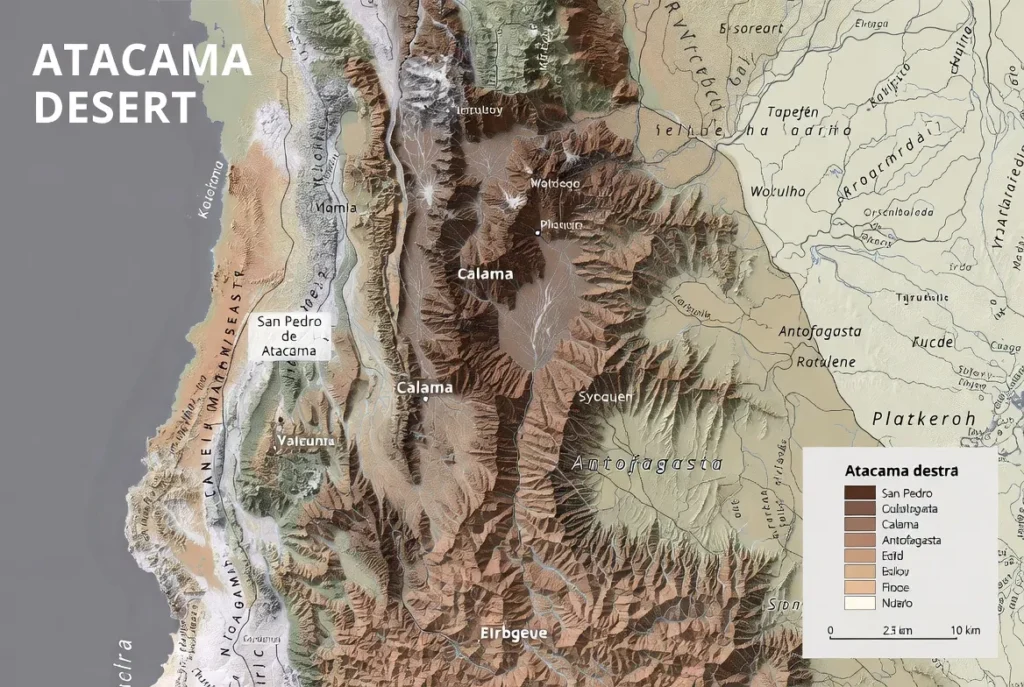
Map layers — what’s included and why each matters
Below each layer is a short field-use reason:
- Satellite / Topo base — human eyes read satellite context quickly; use it to verify tracks and parking areas.
- Surface type (paved / gravel / 4×4 / fragile) — choose the right vehicle and avoid soft soil edges.
- Elevation profile (per GPX segment) — plan acclimatisation, rest stops, and sunrise departures.
- Fuel points & range rings — conservative planning beats surprises: range rings show how far you can safely go before refueling.
- Water & potable points — flag reliable refills. In remote loops, resupply is not guaranteed.
- Dark-sky & Bortle overlay — pick Milky Way locations and avoid local light domes.
- Horizon profile tool — preview whether a ridge will block sunrise, moonrise, or the Milky Way, and set camera positions accordingly.
- Emergency waypoints & ranger posts — add to your device as “favorites.” These are vetted locations for rescues and heli drops.
- Wildlife & conservation zones — mapped flamingo lagoons and fragile wetlands are flagged for low-impact viewing. Los Flamencos National Reserve and its lagoons host flamingos and brine-dependent species; observe from platforms.
- Cultural POIs & community sites — local etiquette notes, opening hours, and where to book community guides.
How to use the Map Pack — step-by-step
smartphone users
- Open the interactive map in your browser and choose a route.
- Use the toggles to pick layers: surface, elevation, fuel, and Bortle.
- Click Export → GPX/KML/GeoJSON and download.
- On your phone app, import the GPX. For OsmAnd: Import → Tracks → select file. For Gaia: Upload via account or use direct GPX import.
- Download offline map tiles for the day’s area in the app.
- Print the A3 PDF tile for that day. Mark meeting points and Emergency waypoints by hand.
- Share the exported GPX with a trusted contact and set clear check-in times.
Garmin users
- Export GPX from the interactive map.
- Connect the Garmin device to the PC and copy to \Garmin\GPX\ or import using Garmin BaseCamp.
- Sync device and preload maps.
- Carry printed A3 tile as paper backup — electronics fail.
desktop / QGIS users
- Import GeoJSON/KML into QGIS.
- Inspect layers: surface, elevation, fuel, conservation.
- Create high-res A3 PDF tiles for print and export GPX segments for devices.
- Use the CSV elevation to create custom charts or slope analyses.
Typical routes, distances, and conservative drive times
Below we list canonical day / multi-day options with recommended vehicle types and conservative round-trip durations measured from San Pedro de Atacama. Note: times assume photography stops and rough road conditions; on gravel, expect 30–50% longer than straight-line GPS estimates.
- Valle de la Luna (half day) — San Pedro → Valle de la Luna — 30–70 km — sedan or SUV — 3–4 hours (including stops). Valle de la Luna has controlled entry hours and ticketed access in many seasons; check official hours.
- El Tatio sunrise (half day) — San Pedro → El Tatio → San Pedro — ~160–200 km round trip — SUV / high-clearance recommended — 5–7 hours (early start; expect altitude near ~4,300 m and breathing difficulty for some).
- 3-day altiplano loop — San Pedro → Puritama → El Tatio → Miscanti / Miñiques — 250–320 km — 4×4 recommended — 8–12 hours driving spread over 3 days.
- 7-day overlander loop — Salar de Tara, Piedras Rojas, Miscanti, Salar de Aguas Calientes — 800–1,100 km — 4×4 essential — 30–40 hours driving over a week.
Notes: Distances fluctuate by chosen access tracks. Use the surface layer before committing to a route and always allow extra time on gravel.
Safety, survival, and emergency planning
A map is only useful if it helps you avoid and handle problems. These practical, map-integrated tips are embedded in the pack:
- Fuel planning: Visualize conservative range rings from Calama, Toconao, and San Pedro fuel points; if a loop leaves you near the edge of a range ring, add a jerry can. (Calama is the nearest large fueling hub to the region.)
- Share your GPX: Send your GPX and a printed A3 tile to a trusted contact. Agree on check-in times and a fail-safe: if you miss two check-ins, they call local authorities.
- Emergency coordinates: The pack includes vetted emergency waypoints and heli-drop coordinates. Add these to your device as “favorites” under a dedicated emergency folder.
- Print backups: Electronics fail. Print one A3 tile per day and laminate if possible. Paper maps never run out of battery.
- Water & sun: Carry ≥3 L per person for day trips; for multi-day loops, plan for significant extra water and filter contingency. Wear sun protection and layered clothing for high-UV days.
- Avoid salar shortcuts: Many salar crusts look solid but are soft near edges. Follow mapped tracks and hazard notes in the surface layer.
- Flash floods: Though rain is rare, when it occurs, it can cause sudden washouts and flash floods; the pack flags seasonal flood caution zones and drainage funnels on vulnerable tracks.
- Altitude contingency: If symptoms of altitude sickness appear (headache, dizziness, nausea), descend immediately or rest per the plan — the map’s acclimatisation flags recommend 24–48 hours rest when ascending rapidly above 3,500 m.
Altitude & acclimatisation — map features that protect you
Because many iconic Atacama sites sit between 3,500 and 5,000 m, the Map Pack focuses on physiology as well as logistics:
- Elevation profile for every GPX segment — inspect ascent rate (meters per hour) and peak elevation before you leave.
- Acclimatisation flags — routes that climb above 3,500 m are marked with “allow rest 24–48 hours” guidance.
- Easy rest stops — mapped lower-elevation towns and gentle plateaus where you can stop for an hour to stabilize oxygen adaptation.
- Medical notes — general altitude guidance: ascend slowly when possible, hydrate well, avoid alcohol during the first 48 hours, and consult a physician about acetazolamide (Diamox) before using it; these are general suggestions — seek personal medical advice for prescriptions.
Stargazing & astrophotography tools
The Atacama is world-class for night sky work thanks to high altitude and low humidity (ALMA’s position at Chajnantor, ~5,000 m, is a reminder).
Map Pack astro tools include:
- Dark-sky overlay & Bortle band approximations — find the darkest horizons and avoid towns with light domes.
- Moon-phase planning notes — moonless windows get flagged for each route, and a suggested schedule is included for the Milky Way season.
- Horizon profile tool — simulate foreground skyline obstruction and test whether a mountain ridge will block the galactic core.
- Recommended parking & egress — mapped safe parking plus a lit egress lane so you can leave quickly after a night shoot.
- Printable astro grids — A3 overlays with exposure notes and spot-meter suggestions tailored for cold, high-altitude conditions.
Quick astro workflow: pre-mark your GPS parking and meeting points on the A3 tile. In darkness, you’ll be grateful you’re not swiping a phone.
Practical planning: fuel, water, permits, vehicles & phone coverage
These pragmatic layers are integrated with the other data, so planning is cohesive.
Fuel & water
- Fuel stations: Calama, Toconao, and San Pedro are the main dependable stations; visualize range rings to plan turn-back points.
- Water: The pack flags the most reliable potable water points. Plan ≥3 L per person for day trips; for remote loops, double or triple that amount.
Permits & fees
- Some attractions (Valle de la Luna, certain reserves) require entrance tickets or timed access; the pack links to official reservation pages and shows where to buy passes online or at the desk. Valle de la Luna, for example, operates with ticketed entry and set hours in many seasons.
Roads & vehicles
- Surface layer marks paved, gravel, and 4×4 sections. If you see “fragile crust” or “salar hazard” flags, hire a 4×4 or take a guided tour.
- Salar caution: Don’t assume crust is uniformly hard — the map highlights edges and soft zones.
Phone coverage
- Operator coverage is strong in towns and very sparse elsewhere. The pack overlays carrier coverage and “black zones.” Download offline tiles and carry printed A3 sheets for no-signal days.
Photography tips tied to the map
This pack is built to help you make reliable, repeatable photos:
- Elevation & bearing overlays — match sunrise/sunset azimuth to a chosen foreground (volcano, salt flat formation).
- Horizon profile — test whether a nearby crest will hide the Milky Way or sunrise, and plan tripod position accordingly.
- Dark-sky & Bortle overlay — pick locations with minimal light pollution and safe egress.
- Printable composition grid — print an A3 tile with a 3×3 grid and prewritten exposure notes for dawn shoots.
Example workflow — El Tatio sunrise shoot:
- Open the interactive map and select the El Tatio waypoint. It’s a long pre-dawn run; the field sits at high altitude (~4,300 m).
- Check the elevation profile (San Pedro → El Tatio) to plan departure time and rest breaks.
- Export GPX and upload to your device; print the A3 tile with parking, emergency, and egress points marked.
- Pack warm layers; dawn temps can be sub-zero at elevation. Use a slow, deliberate setup: practice long exposures at Basecamp first to preserve time and battery.
Conservation, culture & responsible travel — map as stewardship
Maps can protect fragile landscapes when designed responsibly.
- Protected wetlands & flamingo habitat are clearly flagged; stay on viewing platforms and follow signage. Los Flamencos National Reserve supports three flamingo species and other high-altitude fauna — these habitats are delicate and deserve distance and respect.
- Archaeological & cultural sites receive clear access notes: many Likan-Antai community places are sensitive and may require a local guide or specific etiquette.
- Leave No Trace icons are printed on each A3 tile as a daily reminder: pack out waste, avoid removing artifacts, and keep noise low around wildlife.
- Support local guides when available — paying entrance fees and hiring community guides channels funds back into protection and stewardship.
FAQs
A: Many scenic and remote routes (Salar de Tara, Piedras Rojas, some altiplanic loops) require or strongly recommend a 4×4 because of washboard gravel, steep approaches, and soft salt sections. The pack’s surface layer will indicate which sections are paved, graded gravel, or 4×4-only; when in doubt, choose the safer vehicle option or book a local overland operator.
A: Yes — GPX is a standard, portable format for offline navigation. Import GPX into your app (OsmAnd, Gaia, or Garmin), predownload offline tiles, and keep a printed A3 tile as a redundancy. The pack includes both GPX and GeoJSON and step-by-step import instructions for common devices.
A: Absolutely. The dark-sky overlay, Bortle band approximations, and horizon profile are tailored for astrophotographers and night shooters. Use the moonless nights flagged in the pack and print the astro grid for field composition.
A: Some attractions exceed 4,000 m. Symptoms can appear swiftly: headache, dizziness, nausea, and breathlessness. The pack’s elevation profiles and acclimatisation flags recommend 24–48 hours of rest after arrival in San Pedro before climbing rapidly. Hydrate, avoid alcohol initially, and consult professional medical guidance for personal prophylaxis.
A: The Map Pack links directly to official reservation and fee pages for reserves and parks (for example, Valle de la Luna’s official site and reservation portal). Fees and access hours change seasonally — check the linked official pages before travel. Valle de la Luna currently manages entry times and ticket prices in many seasons.
Conclusion
In the Atacama, a map isn’t just convenience—it’s safety, logistics, and creative planning in one. This Map Pack gives you accurate routes, elevation Intelligence, conservative timings, printable backups, and offline GPX files so you can explore responsibly and return safely. Download the pack, export your routes, print your A3 tiles, and head into one of the world’s most extreme landscapes prepared.