
Introduction
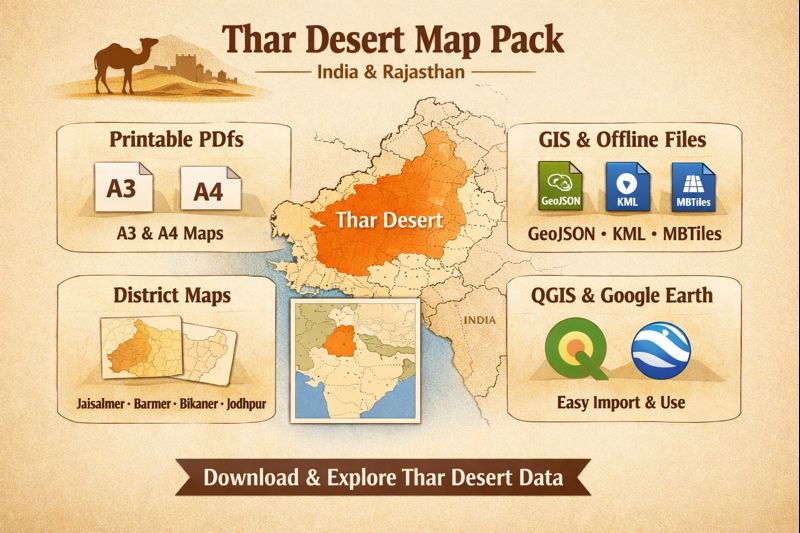
This guide packages Everything you need to publish a high-performing Thar Desert map pack — aimed at cartographers, field teams, and travelers. It bundles production-ready A3/A4 printable PDFs, editable SVG, GeoJSON/KML, MBTiles, and district slices (Jaisalmer, Barmer, Bikaner, Jodhpur) with clear export settings, QGIS/Google Earth quickstarts, and SEO-friendly filenames and JSON-LD so users can find, download, and use the maps immediately.
- Where the Thar Desert sits — location, entities & spatial context
- Climate & weather patterns — how to label temporal layers
- Rainfall & monsoon behavior
- Temperature extremes
- Landscape features — layers, attributes & legend vocabulary
- Dune systems & sand dynamics
- Playas, salt flats & lakes
- Drainage — Luni River
- Vegetation & flora
- Fauna & protected areas
- A3 vs A4 printing: recommended settings & accessibility
- Export advice
- Vector vs Raster — decision guide
- Vectors
- Rasters
- District maps: Jaisalmer, Barmer, Bikaner, Jodhpur — what to include
- For each district slice, produce:
- How to use GeoJSON/KML in QGIS & Google Earth — quickstarts
- Quickstart for QGIS — step-by-step
- Quickstart for Google Earth
- Map styling & legend recommendations — clear, copy-ready rules
- Design rules that make maps legible at print scale:
- Legend order
- Styling examples — copy-ready snippets for README or style sheets
- Offline use & MBTiles — mobile readiness
- MBTiles guidance:
- Tourism: attractions, coordinates & map-ready POIs
- Mark and include coordinates for:
- Human survival tips & field prep — to print on A3/A4
- Environmental issues and conservation — metadata to include
- Interesting facts & narrative bullets
- Table: recommended download files & purpose
- Pros & Cons
- Pros
- Cons
- FAQs
- Conclusion
Where the Thar Desert sits — location, entities & spatial context
Entity summary (useful for schema and H2/H3 tags):
Thar Desert (also “Great Indian Desert”), Rajasthan, Jaisalmer, Barmer, Bikaner, Jodhpur, Luni River, Sambhar, Didwana, Rann of Kutch.
Geographic context:
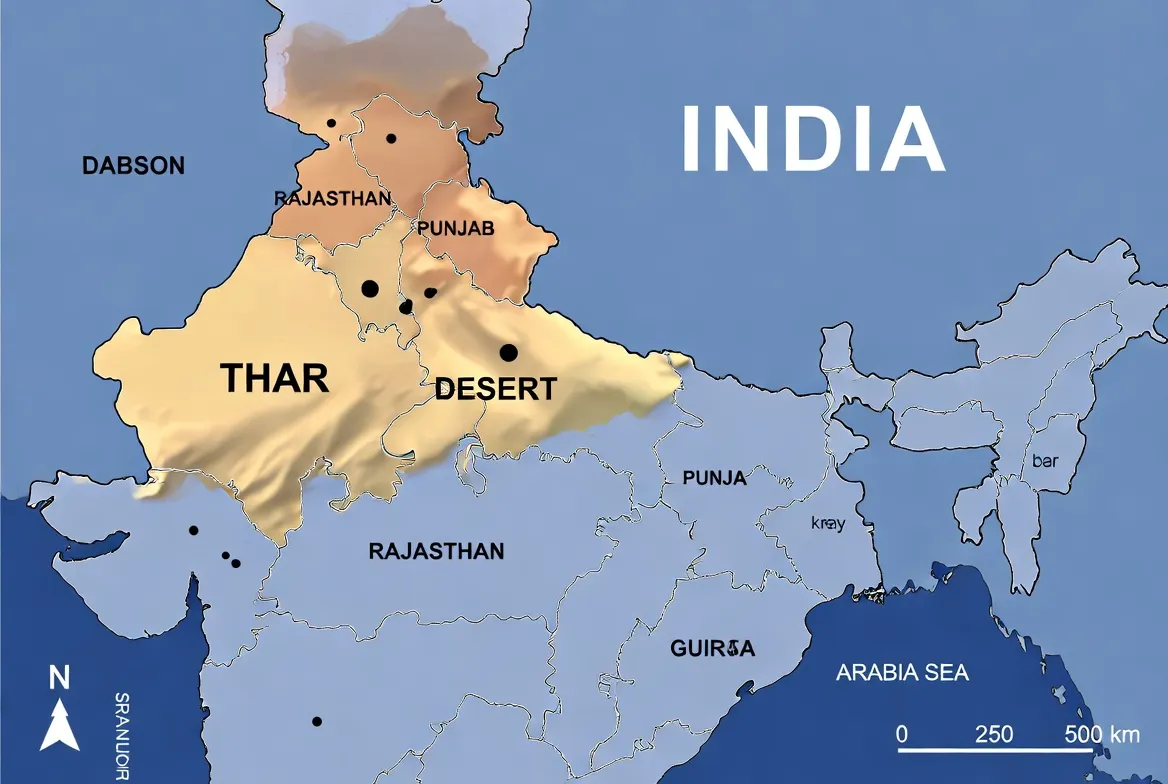
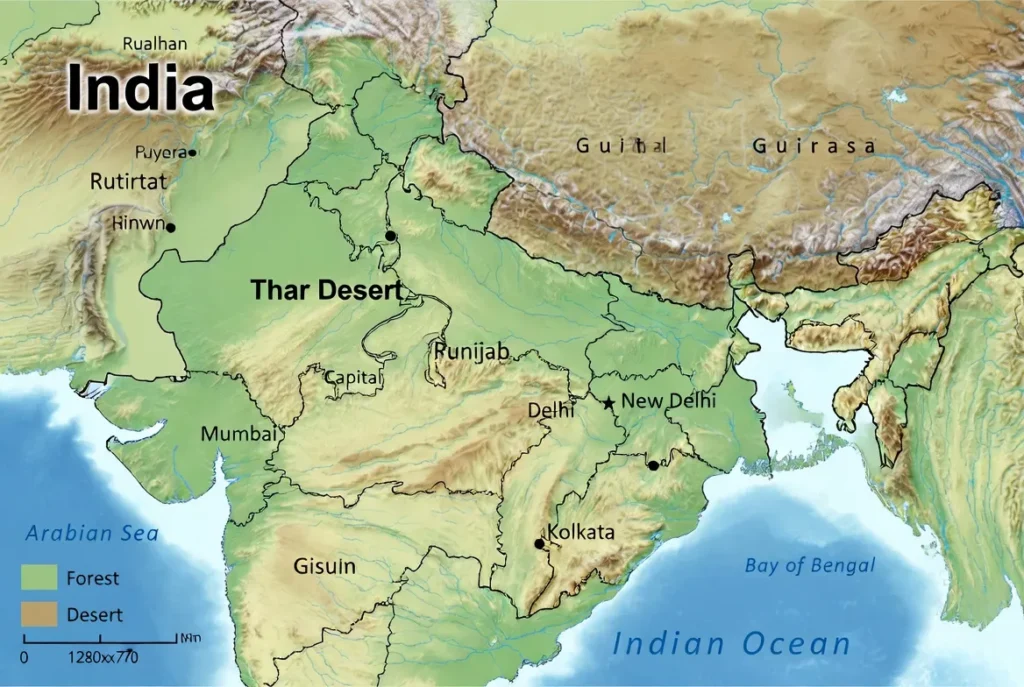
The Thar occupies north-west India and extends into Pakistan. The Indian portion covers most of western Rajasthan and reaches into parts of Gujarat, Haryana, and Punjab. Two-thirds of the Thar’s land area lies in India. When you publish your dataset, include both a simplified desert polygon (for locator purposes) and administrative boundaries (district, state) with admin_level properties so users can filter or slice easily.
Cartographic tip: include a small Pakistan-side context polygon and a locator inset (India/Pakistan) so cross-border users can orient themselves.
Climate & weather patterns — how to label temporal layers
Rainfall & monsoon behavior
- The Thar receives low, seasonal precipitation primarily during the southwest monsoon (June–September).
- Rainfall gradients: generally higher in the east (near the Aravalli foothills) and lower toward the west.
- For any climatic overlay (rainfall, NDVI, greenness anomalies), label the time window clearly (e.g., “Annual mean 1991–2020” or “Monsoon 2024”).
Temperature extremes
- Summers often exceed 40°C; winters show large diurnal swings.
- For field maps, mark shelter points, shade spots, and medical centers. Use symbol sizes and contrast to ensure readability at 300 DPI print scale.
Landscape features — layers, attributes & legend vocabulary
Dune systems & sand dynamics
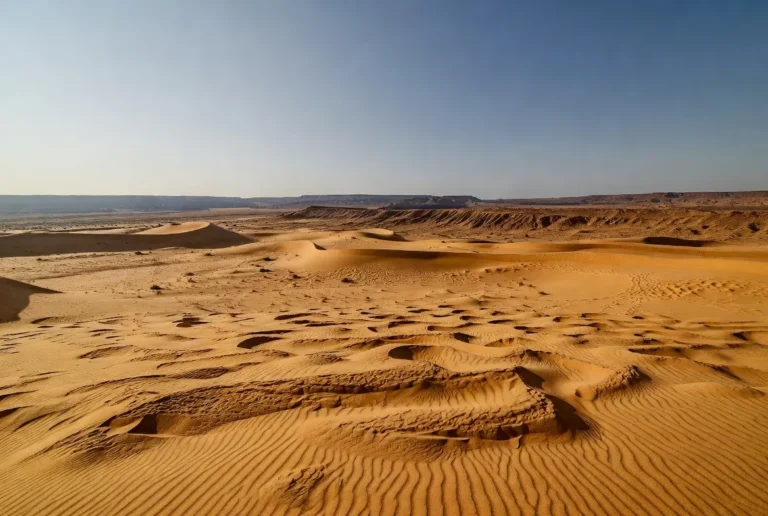
- Capture dune types: star, transverse, linear.
- Recommended properties for dune polygons: dune_type, confidence, and last_observed.
- Styling: pale sandy fills with low opacity; label major dune fields using larger fonts.
Playas, salt flats & lakes
- Important playas include Sambhar, Didwana, and seasonal salt pans.
- Properties: type=playa, seasonality, salinity if available.
- Print maps show seasonal variation via patterned fills (hatches) and include a seasonality note in the legend.
Drainage — Luni River
- The Luni is the main internal drainage. Annotate stretches with perennial=true/false, salinity=true/false, and provide notes about water quality where known.
Vegetation & flora
- Legend categories: vegetation: scrub, Vegetation: grassland, vegetation: palms.
- Common species to mention in popups or metadata: Prosopis cineraria (Khejri), Capparis shrubs, and local grasses near wells.
Fauna & protected areas
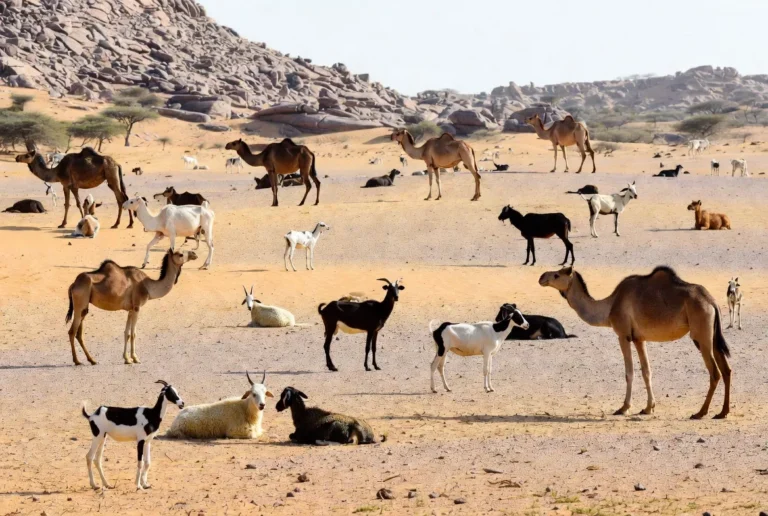
- Mark protected areas, wildlife reserves, and includes conservation_status (IUCN category or local designation) and area_km2.
- Add last_verified dates to reduce user uncertainty and signal freshness.
A3 vs A4 printing: recommended settings & accessibility
| Output | Page size (mm) | Recommended DPI (raster) | Minimum legend font |
| A3 Landscape | 420 × 297 | 300 DPI | 10–12 pt |
| A4 Portrait | 210 × 297 | 300 DPI | 11–14 pt |
| SVG / Vector | scales indefinitely | N/A | convert fonts to outlines |
| MBTiles | tile pyramid | 256 / 512 px tiles | N/A |
Export advice
- For vector PDFs/SVG: embed fonts or convert to outlines; add metadata (projection, contact, license).
- For raster: export at final print size at 300 DPI and add 3 mm bleed + crop marks.
- Always include a scale bar (km) and a north arrow; add a small coordinates grid for field navigation.
Vector vs Raster — decision guide
Vectors
- Best for crisp linework, typography, and final print.
- Scales without loss — ideal for posters and designer edits.
- Required: embed fonts or convert to outlines, and include a CMYK or print color profile if intended for press.
Rasters
- Use for satellite imagery, photo overlays, or hillshade.
- Export at the required print DPI at the final size.
- Keep a high-bit-depth TIFF master if possible.
User UX tip: show a low-res PNG preview on the web page and provide the full vector download for the asset.
District maps: Jaisalmer, Barmer, Bikaner, Jodhpur — what to include
For each district slice, produce:
- Title and exact bounding box.
- Locator inset showing the district within the broader Thar.
- Legend, scale bar, north arrow, and coordinate grid.
- Marked travel nodes: airports, major railheads, police stations, hospitals, and water points (with perennial property).
- Suggested filename example: thar-jaisalmer-a4-printable-v1.pdf.
Why slices matter: travelers and field teams want focused, readable A4 maps rather than one undifferentiated large map.
How to use GeoJSON/KML in QGIS & Google Earth — quickstarts
Quickstart for QGIS — step-by-step
- Download thar-desert-geojson-v1.0.zip, unzip.
- Open QGIS → Layer → Add Layer → Add Vector Layer → choose the .geojson file.
- Right-click the layer → Properties → Symbology → choose a Categorized or Rule-based renderer by type or dune_type.
- Project → Properties → CRS: keep EPSG:4326 for data exchange; reproject to EPSG:3857 for web basemaps.
- Use the Print Composer/Layouts: set page to A3/A4, add scale bar, legend, north arrow.
- Export as vector PDF with crop marks. For tiled MBTiles, use gdal2tiles or Tippecanoe for vector tiles.
QGIS tip: include last_verified as a field so users can filter stale POIs.
Quickstart for Google Earth
- Drag thar-desert-kml-v1.0.kml into Google Earth.
- Use the Places panel to toggle layers.
- For a large GeoJSON, convert to KML with ogr2ogr -f KML thar-desert.kml thar-desert. geojson or export from QGIS.
UX tip: create a folder hierarchy within KML for Overview, Districts, and Layers so users can turn on/off thematic groups.
Map styling & legend recommendations — clear, copy-ready rules
Design rules that make maps legible at print scale:
- Use high-contrast for transport features: highways as thicker solid lines, tracks as dashed thin lines.
- Dunes: pale orange/yellow fills with reduced opacity.
- Playas: light grey or blue hatch with label “playa”.
- Water points: blue dots; differentiate perennial vs seasonal with filled vs hollow symbols.
- Protected areas: subdued green overlay at low opacity.
Legend order
- Locator inset (India/Pakistan)
- Roads & rail
- Towns & villages
- Water points (perennial/seasonal)
- Playas & lakes
- Dune fields
- Protected areas
- POIs: hospitals, police, campsites
Data & Projection box
Source: OSM + local surveys | CRS: EPSG:4326 | Version: v1.0 | License: CC BY 4.0
Styling examples — copy-ready snippets for README or style sheets
- highway=primary → thick solid line
- track → thin dashed line
- water_point.perennial=true → blue circle 6pt
- playa → light blue hatched polygon, label “playa.”
- dune_field → pale sandy fill, low opacity
These snippets can be translated into QGIS style files (.qml) or CartoCSS for web mapping.
Offline use & MBTiles — mobile readiness
MBTiles guidance:
- Generate MBTiles with gdal2tiles for raster or Tippecanoe for vector (vector MBTiles), depending on needs.
- Include an index file (simple README) with the tile zoom range (e.g., z0–z14) and file size.
- Provide short instructions for installing MBTiles in MAPS.ME or OsmAnd (import path, tile source registration).
Mobile UX tip: keep offline bundles compact and provide both a full pack and a “district-only” subset to reduce download friction.
Tourism: attractions, coordinates & map-ready POIs
Mark and include coordinates for:
- Jaisalmer Fort and nearby dune fields (provide lat/long).
- Bikaner palaces, camel festival grounds.
- Jodhpur forts, Mehrangarh, and the adjacent city center.
- Barmer crafts hubs and desert culture sites.
Map-ready note: provide tourism: attraction, activity:camel_safari, and event: festival tags. Add season or event_date fields for festivals.
Human survival tips & field prep — to print on A3/A4
- Navigation: carry both a printed A3/A4 map with coordinates and a GPS device with the MBTiles loaded.
- Water & heat: carry at least 3–4 litres per person for off-road travel.
- Vehicle prep: tyre repair kit, extra fuel, and basic sand driving know-how (reduce tyre pressure).
- Emergency: print regional police and health center numbers and mark them clearly on the map.
Accessibility note: use high-contrast styles and large fonts for the visually impaired; consider a “high-contrast” downloadable variant.
Environmental issues and conservation — metadata to include
Challenges to indicate on maps: overgrazing, mining, habitat fragmentation, and climate variability.
- Include a conservation_status field for protected polygons and add last_verified dates for POIs to communicate data reliability.
Editorial idea: create a “conservation” toggle within KML and GeoJSON examples to let users explore protected vs impacted zones.
Interesting facts & narrative bullets
- The Thar is one of Asia’s largest subtropical deserts.
- Dune and playa systems create many microhabitats that support specialized fauna and flora.
- Historical caravan routes and forts (like Jaisalmer Fort) are cultural anchors for map layers that blend heritage and geography.
Table: recommended download files & purpose
| File | Purpose | Best Use Case |
| thar-desert-a3-printable.pdf | Overview poster | Field teams, visitors |
| thar-jaisalmer-a4.pdf | District extract | Tourist handouts, classrooms |
| thar-desert-geojson-v1.0.zip | GIS analysis | Researchers & web maps |
| thar-desert-kml-v1.0.kml | Google Earth | Quick visualization |
| thar-desert-mbtiles-v1.0.mbtiles | Offline maps | Mobile fieldwork |
| thar-svg-v1.0.svg | Designer edits | Press, posters |
| README.txt | Usage & attribution | All users |
Pros & Cons
Pros
- Ready-to-print maps save field teams time.
- GeoJSON/KML enables custom styling and analysis.
- SVG supports high-quality posters and edits.
- A4 district slices address a frequently unmet user need.
Cons
- POIs require on-ground verification to stay accurate.
- Users unfamiliar with CRS can misplace overlays—include simple CRS instructions.
- MBTiles can be large—provide district-only bundles to reduce bandwidth.
FAQs
A: Major Indian districts include Jaisalmer, Barmer, Bikaner, and Jodhpur. The desert also extends into Gujarat, Haryana, and Punjab in India and into Sindh and Punjab in Pakistan.
A: Download the KML file (thar-desert-kml-v1.0.kml). KML opens directly in Google Earth and keeps basic styling and points.
A: Export raster layers at 300 DPI at the final print size. For vector PDFs or SVG, embed fonts or convert text to outlines.
A: That depends on the license you choose. For open map packs, choose a clear license, such as CC BY 4.0, and clearly explain how to provide attribution in the README.txt file.
Conclusion
A well-structured map pack — with embedded metadata, clear Licensing, district subsets, and copy-ready legends — turns technical assets into usable resources that attract users and links. Follow the export and verification tips here, publish the ready-to-download files (and a compact README), and you’ll deliver a trustworthy, search-optimized product that works in the field and on the web.