
Stepping into gaming for the first time can feel overwhelming with so many platforms, specs, and accessories to consider. The good news is that you don’t need the most expensive setup to have a great experience — you need the right setup for how and what you want to play. Here’s how to approach the decision without getting lost in marketing jargon.
- Start With How You Want to Play
- Console vs. PC vs. Handheld
- Consider the Games You Want to Play
- Choosing the Right Hardware
- Don’t Overbuy on Specs
- Prioritize a Good Display
- Invest in a Comfortable Controller or Peripherals
- Building Out Your Space
- Set Up Proper Seating and Posture
- Consider Audio Needs
- Manage Cables and Lighting
- Budgeting Wisely
- Factor in Ongoing Costs
- Buy Used or Refurbished When Sensible
- Final Thoughts
Start With How You Want to Play
Console vs. PC vs. Handheld
Consoles offer simplicity — plug in and play with minimal setup or troubleshooting. PCs offer more flexibility, better long-term upgrade potential, and access to a wider range of game types, but come with a steeper learning curve. Handhelds prioritize portability, letting you game on the go without sacrificing much in terms of library size. Your choice should come down to where and how often you’ll actually be playing.
Consider the Games You Want to Play
Before buying anything, check which platforms support the specific games or genres you’re interested in. Some titles are console exclusives, while others are PC-only or available across multiple platforms — this alone can narrow your decision significantly.
Choosing the Right Hardware
Don’t Overbuy on Specs
Beginners often assume they need top-tier hardware from day one. In reality, mid-range consoles or PCs handle the vast majority of games smoothly. It’s better to start with solid, reliable hardware and upgrade later as your interests and needs become clearer.
Prioritize a Good Display
Whether you’re using a monitor or TV, response time and resolution matter more than most beginners expect. A display with high input lag can make even simple games feel sluggish, while a sharper resolution significantly improves visual clarity, especially for detail-heavy or competitive games.
Invest in a Comfortable Controller or Peripherals
Comfort during long sessions matters more than most people realize starting out. Whether it’s a console controller, gaming mouse, or mechanical keyboard, testing options in person — or reading detailed reviews — helps avoid discomfort down the line.
Building Out Your Space
Set Up Proper Seating and Posture
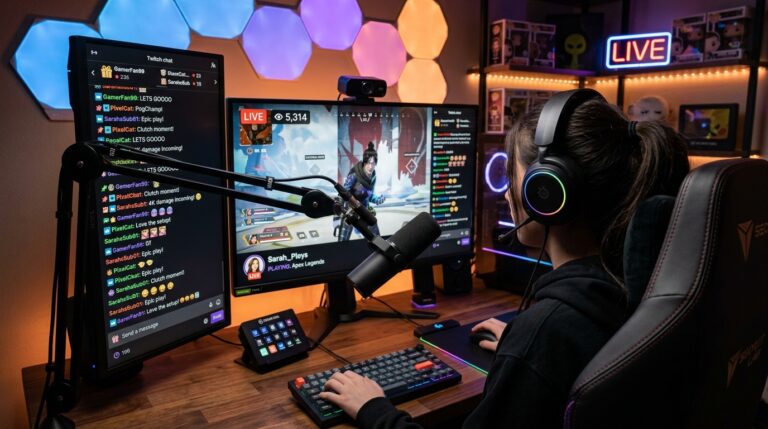
Gaming chairs don’t need to be expensive, but proper lumbar support matters if you plan to play for extended periods. Basic ergonomic adjustments — screen at eye level, feet flat on the floor — go a long way toward preventing strain.
Consider Audio Needs
A decent pair of headphones or speakers significantly improves immersion, especially in games where sound cues matter for gameplay, like footsteps in competitive shooters. You don’t need studio-grade audio equipment to notice the difference from built-in speakers.
Manage Cables and Lighting
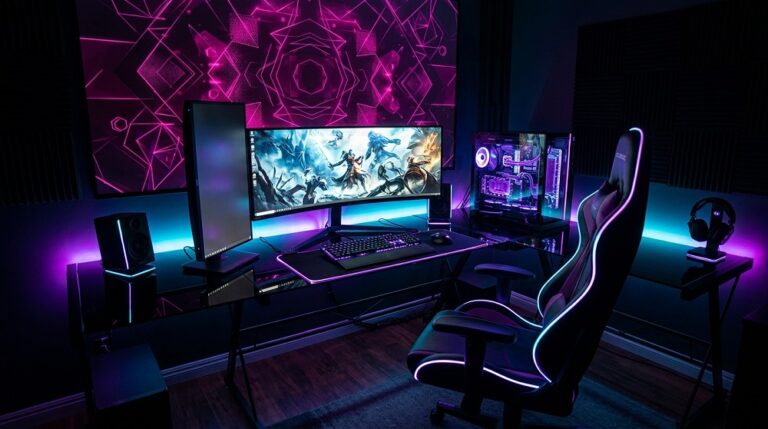
A tidy setup isn’t just aesthetic — reducing glare from windows or harsh overhead lighting can reduce eye strain, and organized cables reduce tripping hazards and make troubleshooting easier down the line.
Budgeting Wisely
Factor in Ongoing Costs
Beyond the initial hardware purchase, consider subscription services for online play, game prices, and potential accessory upgrades. Building these into your budget upfront avoids surprises later.
Buy Used or Refurbished When Sensible
Certified refurbished consoles or gently used PC components can offer significant savings without major performance trade-offs, particularly for beginners still figuring out their preferences.
Final Thoughts
The best beginner gaming setup isn’t the most expensive one — it’s the one that matches your play style, budget, and the games you actually want to enjoy. Starting with solid, mid-range choices and upgrading selectively as your interests develop is a far more sustainable approach than chasing top-tier specs from day one.